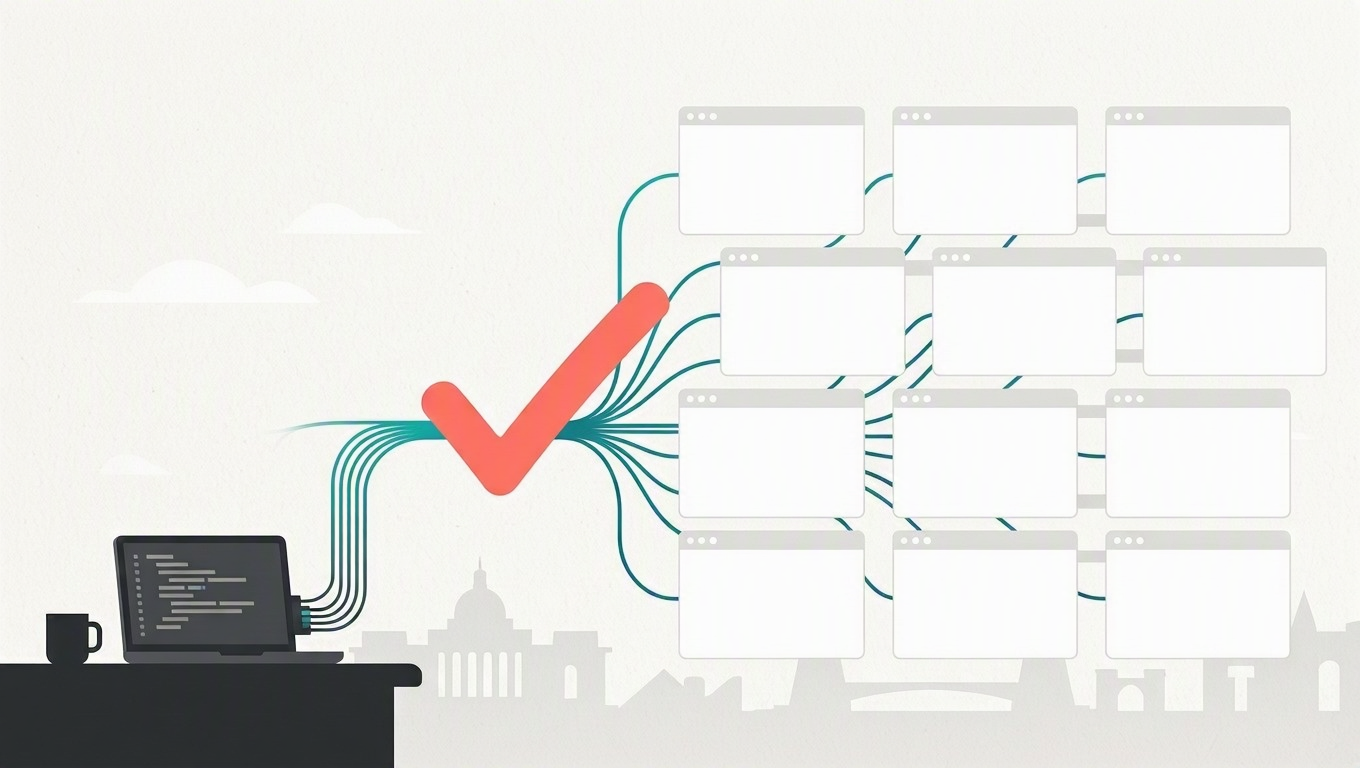
Public sector web teams are under a deadline that is now measured in months, not years. On April 20, 2026, the Federal Register published the Department of Justice’s Interim Final Rule extending ADA Title II web accessibility compliance to April 26, 2027 for state and local government entities serving populations of 50,000 or more, and April 26, 2028 for smaller entities and special districts. The technical standard is WCAG 2.1 Level AA.
That deadline lands squarely on the same permitting portals, benefits applications, and tax lookup sites that already carry a backlog of functional defects. Manually regression testing those flows across Chromium, Firefox, and WebKit is not a viable plan. This post walks through Playwright Workspaces, the managed cloud browser fleet inside Azure App Testing, and shows how to wire it into a real pipeline, add automated accessibility scanning, and handle the Azure Government availability gap.
What Playwright Workspaces actually is
Azure App Testing is the umbrella service covering two capabilities: Azure Load Testing for performance work, and Playwright Workspaces for functional end-to-end testing. Playwright Workspaces does not run your test code. Your worker processes stay on your machine or CI agent. What moves to the cloud is the expensive part: the browser instances themselves.
That distinction matters for how you tune it, and I will come back to it.
As of the September 2026 revision of the service limits documentation, the browser fleet operates in seven Azure regions: East US, West US 3, East Asia, West Europe, Australia East, Japan East, and Switzerland North. Australia East, Japan East, and Switzerland North are the most recent additions to that list. Current default quotas:
| Resource | Limit |
|---|---|
| Workspaces per region per subscription | 2 |
| Parallel workers per workspace | 100 |
| Access tokens per user per workspace | 10 |
The service requires Playwright OSS 1.50 or higher and supports the Playwright test runner and the NUnit runner. Quota increases are requested through the service’s GitHub repository, not a standard Azure support ticket.
Deploying a workspace with Bicep
The portal walkthrough is fine for a proof of concept, but you want this in source control. The resource provider is Microsoft.LoadTestService/playwrightWorkspaces, documented in the Bicep and ARM reference.
| |
Deploy and assign RBAC:
| |
The single most important line above is localAuth: 'Disabled'. The service supports both Entra ID and access tokens, and Microsoft’s own guidance is blunt about it: access tokens “function like long-lived passwords and are more susceptible to being compromised.” Access token authentication is disabled by default. Leave it that way. For agencies operating under a zero-trust mandate or CJIS obligations, a static test credential sitting in a pipeline variable group is exactly the kind of finding you do not want in an audit.
Three built-in roles exist, per the workspace access documentation: Playwright Workspace Reader (view results only), Contributor (run tests), and Owner (run tests plus assign roles). Assign Contributor to your CI identity and Reader to the QA leads who only need dashboard access. Microsoft also recommends managing these through Entra security groups rather than per-user assignments, which avoids brushing up against subscription role assignment limits.
Note that role assignments can take up to an hour to take effect over cached permissions. Budget for that when you are debugging a first-run 403.
Wiring the service configuration
Scaffold the config with the Microsoft-published package:
| |
This generates playwright.service.config.ts. The continuous testing quickstart documents the shape:
| |
exposeNetwork: '<loopback>' is worth understanding. It lets a cloud-hosted browser reach localhost on the machine running the workers. For a government team testing a portal that is only reachable from inside a corporate network or a private App Service, this means you can run the site locally or on a self-hosted agent behind the firewall and still drive it from managed browsers, without punching a hole in the perimeter.
The regional endpoint goes in PLAYWRIGHT_SERVICE_URL, which you copy from the workspace’s Get Started page. Then:
| |
Adding accessibility scans to the same run
This is where the compliance deadline and the test infrastructure converge. Deque’s @axe-core/playwright package injects axe-core into every frame and exposes a chainable API. Per the package README, the package version tracks the major and minor version of the underlying axe-core engine.
| |
| |
Because each of these tests gets its own worker and its own cloud browser, a 200-page scan that would serialize for 40 minutes on a build agent finishes in a fraction of that. The testInfo.attach call puts the raw violation JSON into the Playwright report, which is what you want when a procurement officer asks for evidence of remediation progress.
Two caveats worth stating plainly. Automated scanning catches roughly a third to a half of WCAG failures. It will not tell you whether your alt text is meaningful or whether your focus order makes sense to a screen reader user. It is a regression net, not a conformance certificate. Second, Section 508 as codified in the Revised 508 Standards incorporates WCAG 2.0 Level AA by reference, while the ADA Title II rule sets WCAG 2.1 Level AA. Tag for both, as the snippet above does.
CI/CD integration
GitHub Actions, using OIDC so no secret ever holds a credential:
| |
The federated credential is configured on either a Microsoft Entra application or a user-assigned managed identity, trusting tokens issued by your specific repository.
Azure Pipelines uses an Azure Resource Manager service connection with workload identity federation:
| |
Tuning parallelism and cost
Billing is based on total test minutes, so parallelism is a direct cost lever. Microsoft’s guidance on optimal configuration makes a point that teams consistently miss: completion time hits a floor, after which adding workers only adds cost.
The reason goes back to the architecture. Worker processes still run on your CI agent. Push past roughly 20 workers on a standard two-core hosted runner and the agent itself becomes the bottleneck. You are paying for cloud browsers that sit idle waiting on a starved local process. The fix is to scale the client machine, not the worker count. Move to a larger runner or shard across multiple agents.
A practical sequence: validate locally with at least two workers to shake out parallelism bugs, run against the service at 10 workers, then step to 20, 30, and 50 while measuring wall-clock time. Stop where the curve flattens. Also confirm your target application can absorb the load, because 50 parallel browsers hitting a staging portal generates real traffic.
Leave regionalAffinity enabled so workers connect to browsers in the closest region. Test results are collected in the browser region and then transferred to the workspace region. Per the App Testing overview, the service does not store or process customer data outside the region where the workspace is deployed, and all data at rest is encrypted with service-managed keys.
If your build agents sit behind a strict egress firewall, the outbound IP ranges per region are published in the limits documentation. East US is 52.190.15.208/28 and 48.211.3.96/27; West US 3 is 20.172.9.112/28 and 4.149.23.64/27.
Why This Matters for Government
Three reasons this belongs on your roadmap rather than your backlog.
The compliance clock is real. WCAG 2.1 Level AA is a regulatory obligation with a date attached, not a design aspiration. Agencies that treat accessibility as a pre-launch audit will discover violations after the code is frozen. Agencies that run axe-core on every pull request treat it as a build break, which costs a developer ten minutes instead of a remediation contract costing six figures.
Release velocity is a service delivery issue. When a regression suite takes six hours, teams batch changes into quarterly releases. When it takes twelve minutes, they ship weekly. For a residents’ benefits portal, that is the difference between a broken eligibility form being live for a quarter versus a day.
No test infrastructure to own. A browser grid is a fleet of VMs with OS patches, browser version drift, and a Selenium-era maintenance burden. Small and mid-sized agency IT shops do not have staff to spare for that. A managed fleet with Entra ID authentication and RBAC removes an entire class of infrastructure while producing a cleaner security posture than the self-hosted alternative.
The Azure Government caveat, and the fallback
Be clear-eyed here. The documented Playwright Workspaces regions as of September 2026 are all Azure commercial. There are no Azure Government regions on that list. Always confirm current status against Products available by region and the Azure Government comparison guide rather than any blog post, including this one.
For most agencies this is workable, because pre-production test environments frequently run in Azure commercial while production sits in Azure Government. Test data in those environments is synthetic. If your test fixtures contain real resident PII, fix that first regardless of which cloud you are in.
Where you genuinely need the whole pipeline inside Azure Government, self-host on Azure Container Apps Jobs using the official Playwright image. Per the Playwright Docker guide, the current image is mcr.microsoft.com/playwright:v1.63.0-noble, and Microsoft recommends pinning to a specific version so the browser binaries match your project’s Playwright version.
| |
Then create a scheduled job, using Container Apps Jobs to fan out shards across parallel replicas:
| |
Cron expressions are evaluated in UTC, so 0 7 * * * is 2 AM Central Standard Time. Use --parallelism with --replica-completion-count to run shards concurrently, assign a system-assigned managed identity for pulling from Azure Container Registry and reaching Key Vault, and publish the merged HTML report to a storage account.
You lose the managed dashboard and the elastic 100-worker ceiling, but you keep sharded parallel execution, the same test code, and the same axe-core scans, entirely within your authorization boundary. That is a reasonable trade, and it means the work you do today on your Playwright suite is portable whenever the managed service arrives in a region you can use.
Getting started
Start small. Pick your three highest-traffic resident-facing flows, write Playwright tests for them, add an axe-core scan to each, and wire it into a pull request check. Microsoft’s quickstart recommends validating a single test against the service before running a full suite, which is sound advice for managing spend during evaluation.
The hard part was never the browsers. It was building a suite worth running. The managed fleet just removes the excuse that it takes too long.